内容概要
Start with the identity of the installed equipment and its recorded software, then ask for documentation explicitly applicable to that combination. Match the arm, controller, firmware and peripherals separately. Keep the source URL, document revision and retrieval date; a page labelled latest is a changing reference, not proof that its procedures fit your robot.
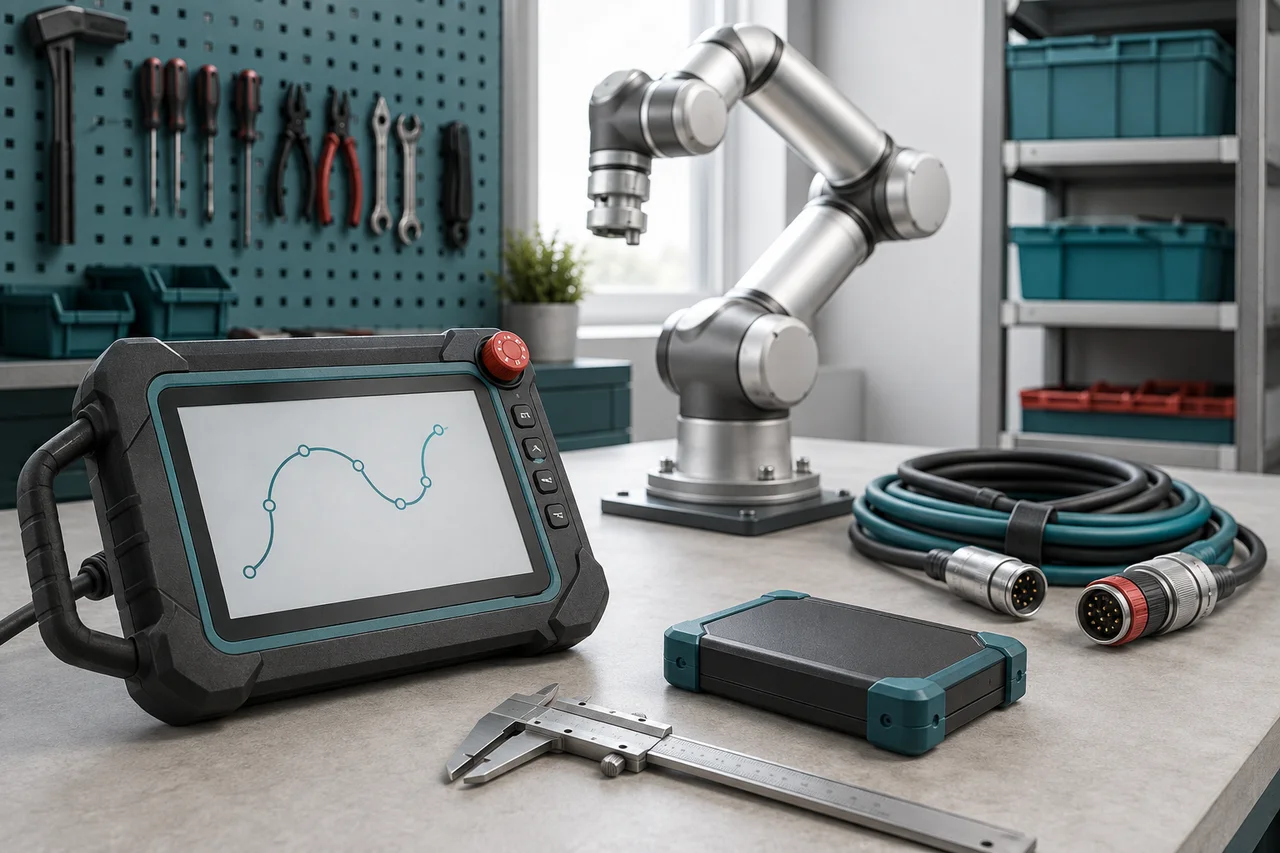
Capture the identity of the installed equipment
Create an identity sheet from existing equipment labels, delivery records and authorised system information. Record the complete arm model including suffixes, serial number, controller identifier and relevant accessory identifiers. Where a label cannot be read safely, have qualified personnel obtain the information during an appropriate inspection. Do not open electrical equipment merely to fill an administrative gap.
The live English System chapter says its About page shows the robot model and serial number alongside web, control-box, hardware and firmware versions. Capture the displayed values with the date and equipment identity, preferably as an authorised screenshot or report. Compare them with the supplier's handover record. Keep mismatches visible, especially after controller replacement or service work; a familiar model name alone is too little evidence for selecting wiring or recovery instructions.
参考资料: FAIRINO User Manual 3.9.9: About information and upgrade restrictions
Keep software, hardware and document versions separate
A manual edition is a description of a product baseline, not an installed component. The browser interface, control software, controller board, drives and end equipment can have different identifiers. Preserve their full strings in labelled fields rather than compressing them into one version number. Otherwise a later support conversation can mistake a manual label for the actual controller release.
FAIRINO's C++ Basics documentation exposes separate software, hardware and firmware queries. Hardware and firmware results can distinguish the controller board, individual drives and end board. Ask authorised support to provide the relevant report if the normal interface record is insufficient; this guide does not require running an SDK example on a live robot. Also record the SDK release separately when diagnosing a custom application, because its documentation and controller compatibility are another part of the evidence chain.
参考资料: FAIRINO C++ SDK Basics: separate software, hardware and firmware queries
Choose the document family for the question
Find the document that governs the task before searching for an isolated instruction. Installation information, a programming reference, peripheral instructions and a supplier's cell drawings address different boundaries. FAIRINO's foreword identifies installation and teaching material as parts of its user manual and identifies trained integrators as its audience. It does not make that manual the complete instruction set for every integrated machine.
Build a compact document register like this one. The last column should name a real person or business in your project, not merely say supplier. A welder, gripper or external axis may need its own manufacturer documentation as well as the Fairino interface chapter. For a modified cell, request the integrator's applicable drawings and operating instructions too. A correct robot manual cannot reconstruct undocumented third-party changes.
| Question | Document to match | Confirmation owner |
|---|---|---|
| Robot mounting or connection | Manual for the installed arm and controller | Robot supplier or integrator |
| Teaching-screen behaviour | User manual for the installed software baseline | Controller support |
| Application API | SDK reference for the deployed SDK release | Application maintainer |
| Attached equipment | Accessory manual plus robot interface documentation | Peripheral integrator |
| Cell recovery or safeguarding | Approved installation-specific instructions | Responsible cell integrator |
参考资料: FAIRINO User Manual 3.9.9: scope and intended reader · FAIRINO C++ SDK Basics: separate software, hardware and firmware queries
Record what the live documentation actually says
On 6 September 2026, the opened English documentation identified itself as 3.9.9. Its version-introduction page dates V3.9.9 to 1 September 2026. Record those as an observed document label and a publisher's release-note date, respectively. Neither establishes what is installed on your equipment or that a newer package should be applied to it.
The references in this guide use the working latest URLs. Direct 3.9.9 URLs could not be retrieved during this check, so these are not immutable archived editions. When a procedure matters to your installation, request an applicable controlled copy or stable reference from support and preserve its revision, title, section and access date in your register. A bookmarked live page remains useful for discovery, but it can change without the equipment changing.
参考资料: FAIRINO English documentation index, observed label 3.9.9 · FAIRINO version introduction: V3.9.9 dated 1 September 2026
Work through a revision mismatch explicitly
Hypothetical example: a workshop's handover sheet records controller software 3.8.3, while an engineer finds a 3.9.9 safety chapter online. The new page describes configuration checksums and report export, but the installed interface looks different. That observation should trigger a documentation query. It does not prove the older controller is defective or justify altering settings to imitate the newer screenshots.
Send support the installed identity record, the handover document title and the exact newer section causing confusion. Ask which instructions govern the installed system and whether the difference is expected. The release notes associate safety-configuration changes with 3.9.9, providing context for the question. Close the issue with a written applicability answer and the correct document reference. If an upgrade is recommended, treat it as separate technical work with its own approval and validation needs.
参考资料: FAIRINO User Manual 3.9.9: safety configuration checksums and reports · FAIRINO version introduction: V3.9.9 dated 1 September 2026
Resolve conflicts at the affected task boundary
When two sources disagree, write down the disputed item precisely: connector identity, parameter meaning, menu location or restart behaviour. Keep both document titles and revisions with the relevant equipment identifier. Ask the responsible manufacturer or integrator for an explicit resolution. Choosing the newest-looking diagram or combining pieces from both documents can create an instruction that nobody has actually approved.
Pause the affected technical activity when applicability is unresolved, especially for wiring, load configuration or protective functions. Other work, such as organising service records, can continue. Treat translation differences and numbering inconsistencies as reasons to seek clarification, not invitations to infer a missing value. Ask whether a correction supersedes a named section and whether other equipment in your workshop is affected, then retain the response alongside the document it clarifies.
Do not update equipment merely to match a page
The System chapter describes software upgrade restrictions and distinguishes software from other firmware work. Use that as a prompt to obtain an applicable upgrade plan from support, not as a universal instruction to install the newest archive. Ask what problem the change solves, which intermediate steps apply, what must be backed up and which application checks will establish an acceptable result.
For a production cell, document the planned version change with the affected manuals, interfaces and operating instructions. The responsible technical team should assess compatibility and the implications for validation before performing it. Keep the earlier accepted baseline and its records available according to your document-control process. Reading a newer manual can improve understanding, but only a reviewed equipment change can make its newly introduced behaviour relevant to the installed system.
参考资料: FAIRINO User Manual 3.9.9: About information and upgrade restrictions
Make the register useful during the next fault
For each retained document, record title, publisher, revision, language, source URL, retrieval date, applicable equipment and the person who confirmed applicability. Add the reason it is held: installation, diagnosis, operator training or recovery. Mark superseded material clearly while preserving the history needed to interpret old service records. Store controlled copies where the authorised team can reach them when the normal workstation is unavailable.
Review the register after an arm, controller, peripheral or application change and during handover to another support provider. A useful fault report can then include the equipment identity, observed symptom, installed version record and the precise instruction being followed. That lets support address the actual mismatch instead of first reconstructing the installation. The result is a traceable route to the correct manual, with unresolved applicability questions visible before someone relies on them.
检查清单
- Record full arm and controller identifiers, including suffixes and serial numbers.
- Keep installed software, hardware, firmware and SDK fields separate.
- Select the relevant robot, peripheral or installation-specific document family.
- Record each document's revision, language, URL and actual retrieval date.
- Obtain written applicability confirmation for conflicts or missing editions.
- Separate documentation research from any proposed software or firmware change.
- Retain controlled records and review them after equipment or application changes.
常见问题
Is the newest online Fairino manual automatically correct for my robot?
No. Match it to the installed arm, controller and software, then confirm the task-specific requirements. A newer edition can describe features absent from the installed baseline; its publication date is not a compatibility statement.
参考资料: FAIRINO version introduction: V3.9.9 dated 1 September 2026 · FAIRINO User Manual 3.9.9: About information and upgrade restrictions
What should I do if the supplier's PDF and online manual disagree?
Retain both titles and revisions, identify the disputed section and request a written resolution tied to your equipment. Pause the affected technical activity where the difference matters to safety or compatibility. Keep the clarified instruction with the document register.
来源与审核
Documentary ownership guidance checked on 6 September 2026. Live English sources displayed 3.9.9; fixed 3.9.9 paths were unavailable during verification. This is a manual-selection workflow, not an upgrade procedure or confirmation that any edition applies to an unidentified robot.
适合读者:Fairino owners and maintenance coordinators. 更新于 .
- FAIRINO User Manual 3.9.9: About information and upgrade restrictions
- FAIRINO C++ SDK Basics: separate software, hardware and firmware queries
- FAIRINO User Manual 3.9.9: scope and intended reader
- FAIRINO English documentation index, observed label 3.9.9
- FAIRINO version introduction: V3.9.9 dated 1 September 2026
- FAIRINO User Manual 3.9.9: safety configuration checksums and reports