内容概要
Inspect the episode as linked images, state and actions through the matching dataset loader. Use the viewer to locate evidence, then decide whether a suspected defect belongs to the recording, metadata, decoder or display. This workflow uses LeRobot v0.6.1 and the documented v3.0 dataset structure.
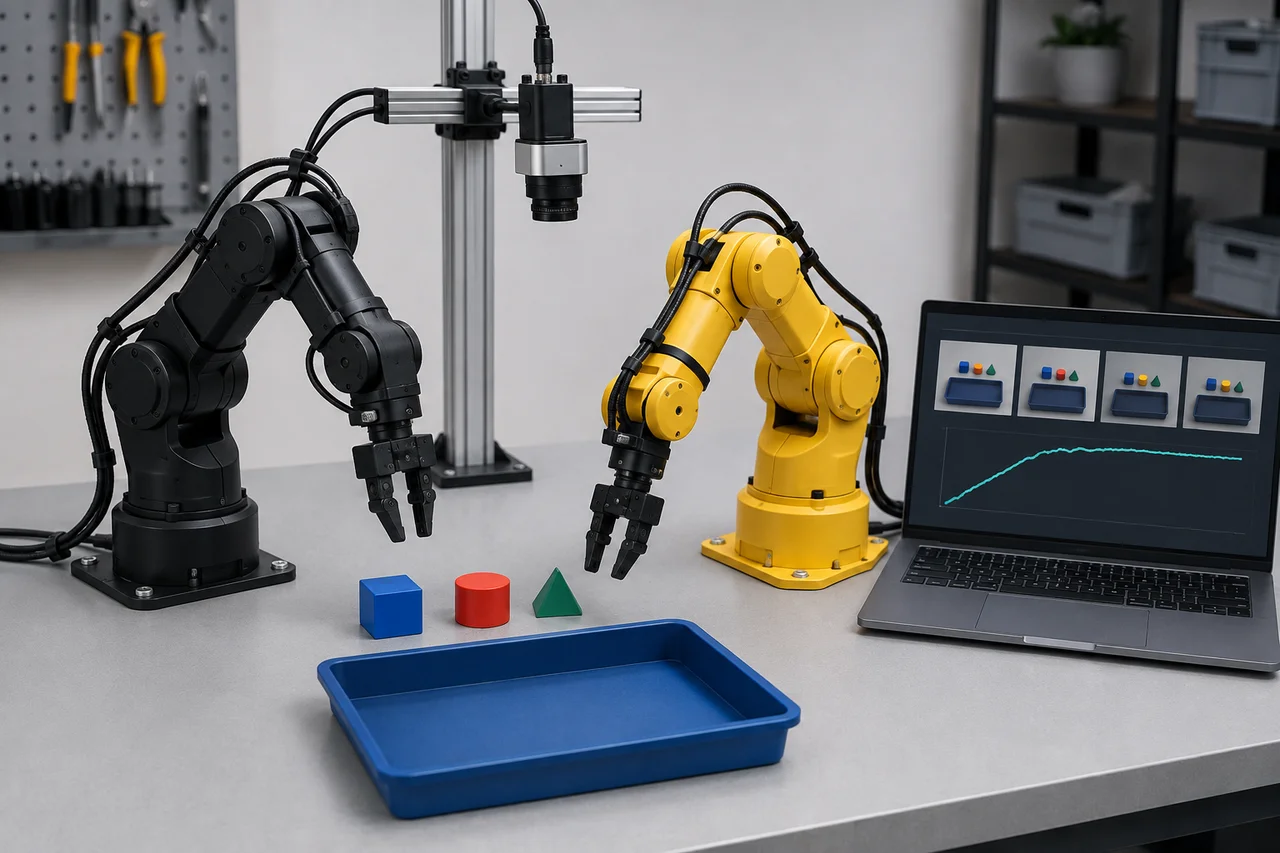
Identify the dataset before opening the viewer
Write down the repository identifier or local root, dataset revision, format version and episode to inspect. Include whether the data are private and whether a complete local copy exists. A familiar repository name can point to changed content, so it is insufficient for comparing two inspection sessions. Keep a small inspection register with the exact episode identifiers and the question each episode should answer.
The v3.0 format stores multiple episodes within shared Parquet and video files and resolves boundaries through metadata. Consequently, a video filename does not reliably identify one complete episode. Opening an MP4 in a media player is useful for diagnosing basic decoding, but it bypasses the relationships used by training. Use the LeRobot loader to establish which images and numeric rows actually belong together.
Choose the inspection route
The official hosted dataset visualizer is a convenient discovery route for accessible datasets. Its Space page was reachable on 6 September 2026, but that alone does not establish successful playback, availability for a particular private repository or compatibility with every format revision. Treat its loading state as a separate service observation. Do not publish private recordings merely to see whether the hosted viewer works.
For controlled investigation, start locally with the v0.6.1 dataset_viz extra in a known environment. The tagged script supports a local Rerun viewer, saving an inspection recording, and additional display modes. Choose one mode first and record it. Moving between browsers, remote machines and viewer backends while changing the dataset simultaneously makes a loading failure much harder to isolate.
参考资料: Official LeRobot dataset visualizer Space · Dataset visualizer implementation at LeRobot v0.6.1
Open one known episode
The tagged script documents this public-data example: lerobot-dataset-viz --repo-id lerobot/pusht --episode-index 0. For your own local copy, replace the repository identifier and add --root followed by the dataset directory. The parser uses hyphenated options such as --repo-id and --episode-index; training examples using --dataset.repo_id cannot be pasted into this command unchanged.
Confirm that the root contains the dataset's metadata, data and video structure, rather than a parent folder that happens to contain several datasets. Record the selected episode and any loader error before adjusting options. The public example may retrieve data from the Hub and is not a claim that a specific revision was tested here. For repeatable private work, prefer an authorised local snapshot whose identity you can retain.
参考资料: Dataset visualizer implementation at LeRobot v0.6.1 · LeRobotDataset v3.0 documentation at v0.6.1
Inspect images, state and actions around an event
Choose a short event with a clear physical interpretation, such as the approach to a visible object, gripper closure or release into a tray. Scrub before, during and after that event in every camera stream. Compare joint-state traces with action traces while checking their names and units. Do not assume that an action is a measured position: it may represent a target, a transformed value or another recorded control quantity.
Build an observation note in concrete terms: camera front becomes occluded before closure; gripper target changes while the state stays constant; object leaves the view before release. These statements can be checked by another reviewer. A diagnosis such as bad synchronisation is premature unless you have established timestamp meaning and capture behaviour. Smooth animation and matching frame counts are useful observations but cannot prove simultaneous physical capture.
参考资料: Dataset visualizer implementation at LeRobot v0.6.1 · Camera documentation at LeRobot v0.6.1
Check episode boundaries and missing evidence
Inspect the beginning and end independently of the interesting middle. Ask whether the first observation includes the intended start state, whether reset activity entered the demonstration, and whether completion can actually be judged. The viewer source warns that the last recorded frame need not show the final state. Absence of a final success image therefore requires investigation, not an automatic declaration that the task failed.
Use metadata and collection notes to distinguish a truncated recording from a deliberately defined transition sequence. If the outcome lies outside the recorded interval, mark it unobservable from this episode and preserve that uncertainty. Extending episode duration during a later collection session may solve an observation problem, but it cannot reconstruct an unrecorded outcome in the current data. Keep the original intact while documenting any derived repair.
参考资料: Dataset visualizer implementation at LeRobot v0.6.1 · LeRobotDataset v3.0 documentation at v0.6.1
Diagnose loading failures by layer
Use the table to decide which evidence to collect next. It is a diagnostic ordering, not a list of guaranteed causes. A hosted viewer that keeps loading may be waiting on a service, access or dataset operation; a black image may come from the recording or the display path. Preserve the same episode while testing one boundary so comparisons remain meaningful.
Worked hypothetical example: the public reference episode opens locally, your private episode loads numeric traces, but its wrist stream fails. That narrows the investigation towards the wrist asset, its metadata or its decoding path. Check the referenced file and error before reinstalling the whole environment. If every dataset fails to launch a window while saved inspection output is produced, investigate the viewer session before modifying recordings.
| Observed symptom | Next evidence | Avoid assuming |
|---|---|---|
| Hosted page keeps loading | Access state and local episode result | The dataset is corrupt |
| Numeric traces but no images | Video paths and decoder error | All observations are missing |
| Wrong scene under a camera name | Device-to-feature mapping | A policy problem |
| Failure at an episode boundary | Metadata offsets and loader version | One MP4 equals one episode |
| Images repeat during motion | Capture notes and frame content | Nominal FPS proves freshness |
参考资料: Dataset visualizer implementation at LeRobot v0.6.1 · LeRobotDataset v3.0 documentation at v0.6.1 · Official LeRobot dataset visualizer Space
Produce an inspection packet
Capture the smallest evidence packet that explains a finding: dataset revision, episode index, feature name, time or row interval, expected observation and actual observation. Include the viewer version and decoder failure text when relevant. A screenshot without an episode identity is difficult to use once the dataset grows. A recording of the entire desktop may expose unrelated private material and still omit the key numeric trace.
Classify the disposition as accepted for the declared task, quarantined pending diagnosis, or usable with a stated limitation. The purpose of this guide is inspection and diagnosis; the broader demonstration-quality guide addresses collection strategy and dataset release decisions. Keep a defect register separate from training results so later improvements cannot erase evidence of what the initial model actually received.
参考资料: Dataset visualizer implementation at LeRobot v0.6.1 · LeRobotDataset v3.0 documentation at v0.6.1
Check what training will actually see
After raw inspection, review the policy's preprocessing separately. A clear source image can lose its target after resizing or cropping. A camera that looked useful in the viewer may not be selected in the training configuration at all. Compare feature keys, shapes and retained visual content with the intended policy input contract. This step connects an inspection finding to a decision about whether training should begin.
Before closing the review, ask another person to reproduce one substantive finding from the packet using the same data revision. If they cannot locate the event, improve the record while the context is fresh. This is a practical editorial recommendation, not an official LeRobot acceptance standard. The deliverable is an explainable view of the training evidence, including what the viewer cannot establish about the physical recording.
参考资料: ACT configuration at LeRobot v0.6.1 · Diffusion configuration at LeRobot v0.6.1
检查清单
- Identify dataset revision, format, local root and privacy scope.
- Use v0.6.1 viewer syntax rather than training flag syntax.
- Inspect every camera at a selected contact event.
- Check action names and units against their recorded meaning.
- Review starts and endings for observable outcomes.
- Preserve exact errors while isolating loader, decoder and viewer failures.
- Record episode and feature identifiers for every finding.
- Inspect preprocessing before authorising the training run.
常见问题
Can I inspect a private dataset without making it public?
A local workflow can inspect an authorised local copy. Identify the correct dataset root and retain its revision. The hosted Space's reachable page does not establish access to your private data, and public upload is not a necessary diagnostic step.
参考资料: Dataset visualizer implementation at LeRobot v0.6.1 · Official LeRobot dataset visualizer Space
Should I increase timestamp tolerance when frames appear missing?
First establish the expected sampling interval, metadata relationships and actual failure. A larger tolerance can make a lookup succeed while concealing a timing discrepancy. Treat tolerance changes as documented experiments and verify the selected frames rather than using them as a general repair.
Is visualisation the same as robot replay?
No. This viewer inspects data. The separate replay workflow can send recorded actions to physical hardware and requires an approved operating procedure. It is unnecessary for diagnosing a dataset display problem.
参考资料: Imitation learning tutorial at LeRobot v0.6.1 · Dataset visualizer implementation at LeRobot v0.6.1
来源与审核
Documentary inspection workflow for LeRobot v0.6.1 and dataset format v3.0, checked 6 September 2026. The hosted Space page was opened, but playback was not tested. Examples are hypothetical and no private dataset was accessed.
适合读者:LeRobot users inspecting recorded manipulation episodes. 更新于 .
- LeRobotDataset v3.0 documentation at v0.6.1
- Official LeRobot dataset visualizer Space
- Dataset visualizer implementation at LeRobot v0.6.1
- Camera documentation at LeRobot v0.6.1
- ACT configuration at LeRobot v0.6.1
- Diffusion configuration at LeRobot v0.6.1
- Imitation learning tutorial at LeRobot v0.6.1