In brief
Pendant teaching, hand guiding, offline programming and external code are complementary ways to build a robot application. Choose according to geometry, process variation and support skills. Keep responsibility for motion and process state explicit, and require controlled validation before any simulated or edited programme is used on physical equipment.
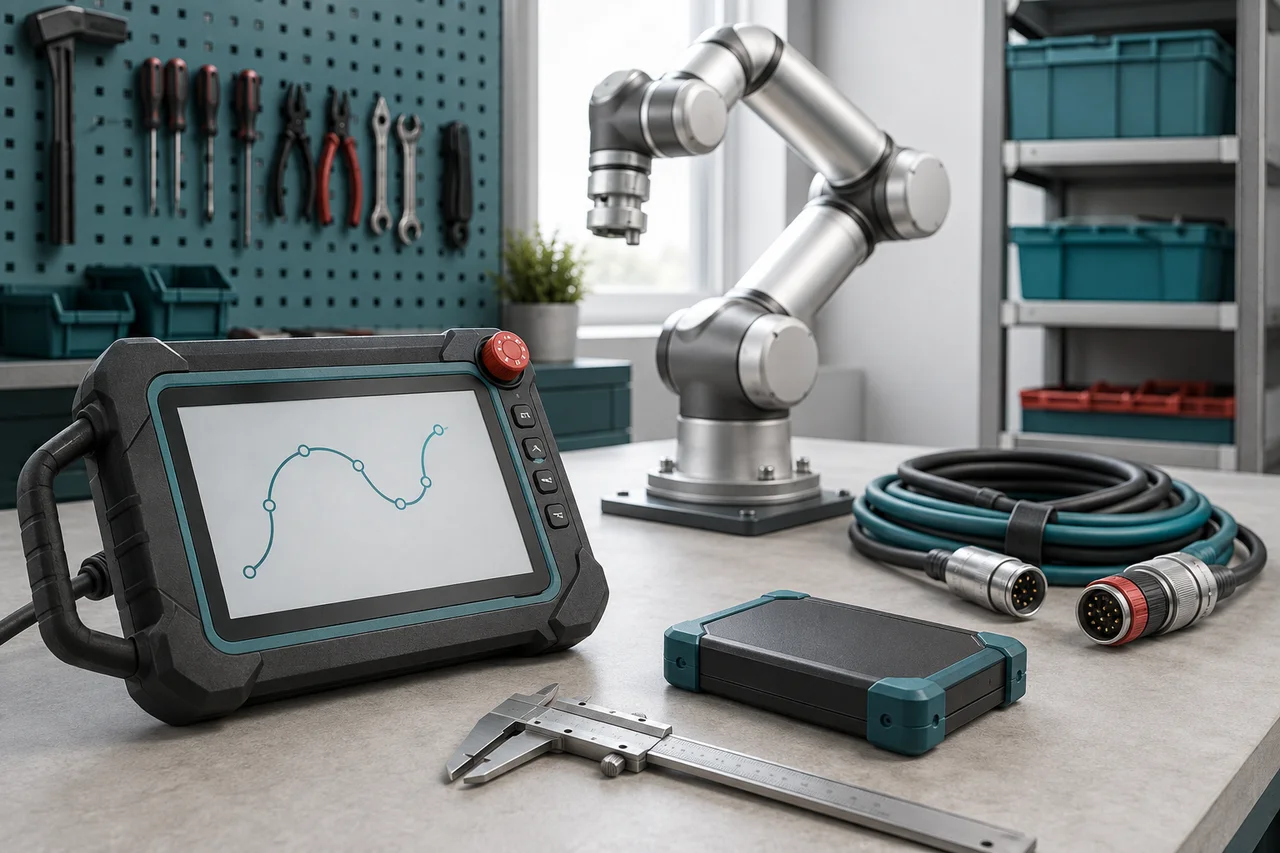
Separate pose creation from application behaviour
A robot programme needs more than coordinates. It needs a sequence, tool and work references, movement choices, process conditions and responses to incomplete actions. A teaching method mainly answers how some of those instructions are created. A graphical interface can contain substantial logic, while a short Python application may simply request a controller programme. Comparing methods by whether they contain visible code obscures who actually controls the task.
Start by drawing the application layers: controller motion, gripper and station coordination, external perception or data handling, and the operator interface. Identify which system owns each decision. In the Universal Robots SW5.21 example, a waypoint is interpreted through the selected feature and tool centre point. That documented relationship makes clear why a stored position is not an independent description of a complete task.
References: Basic Program Nodes: Waypoints, PolyScope SW5.21
Match the workflow to the changing part of the job
Choose a primary workflow by asking what changes most often. A few physically accessible poses favour direct teaching. Repeated geometry across many variants may justify offline generation. A camera or business-system connection may require an external application even when the robot motion remains a short pendant programme. The following comparison describes typical decision factors; actual support depends on the installed product and software version.
Consider maintenance as well as creation. The person who diagnoses a stopped cycle may not be the developer who designed it. Ask how that person sees the active step, intended target and reason for waiting. A workflow earns its place when the team can verify and support the resulting application throughout its expected changes.
| Workflow | Useful starting point | Main verification burden |
|---|---|---|
| Pendant teaching | A modest number of accessible poses | Frames, approach paths and sequence logic |
| Hand guiding | Intuitive positioning with supported hardware | Load setup, saved poses and repeatable references |
| Offline programming | CAD-based paths or many similar variants | Model accuracy, controller match and physical calibration |
| Vendor SDK | External calculations or job coordination | Supported calls, state ownership and connection behaviour |
| ROS 2 | Multiple software components and robot interfaces | Driver capability, interfaces and system timing |
References: Basic Program Nodes: Waypoints, PolyScope SW5.21 · freedrive_mode, URScript SW5.21 · RobotStudio Desktop, official software overview · ROS 2 Jazzy client libraries, official documentation source
Use pendant teaching for visible, local process logic
A pendant workflow is often a practical starting point when the task has a small set of repeatable locations and the maintainers already understand the controller. It keeps the sequence near the equipment and can make current-step diagnosis straightforward. Teach against deliberate work references so a fixture change can be assessed coherently. Avoid accumulating unrelated position corrections whose original purpose is no longer visible.
In PolyScope SW5.21, the official waypoint documentation links waypoints to Move nodes and the selected tool and feature relationship. This guide does not prescribe equivalent menu actions for other manufacturers. Ask the integrator to distinguish travel segments, process approaches and positions that depend on the workpiece. Review movement between points, not just the points themselves, and preserve the programme together with its installation configuration.
References: Basic Program Nodes: Waypoints, PolyScope SW5.21
Treat hand guiding as a teaching aid with prerequisites
Hand guiding can make it easier to suggest a pose by physically positioning a supported robot. It does not automatically produce acquisition checks, exception handling or a suitable path between saved points. Confirm whether the particular system records individual poses, a demonstrated path or another representation. These are different behaviours, and the phrase hand teaching does not specify which one the quoted equipment provides.
Universal Robots' SW5.21 freedrive_mode documentation describes assisted manual movement with configurable free axes and a reference feature. It is not an instruction to enter a working cell or activate the mode without preparation. Competent personnel must establish the correct tool and load setup, operating mode, clearances and authorised procedure for the installed system. Once positions are recorded, review their frames and intended movement through the normal programme-validation process.
References: freedrive_mode, URScript SW5.21 · Basic Program Nodes: Waypoints, PolyScope SW5.21
Use offline programming to test a defined model
Offline programming is valuable when geometry can be prepared away from the equipment or when variants share reusable path structure. ABB describes RobotStudio Desktop as using its Virtual Controller to run robot programmes and configurations in simulation. That is a manufacturer description of the software architecture. It does not establish that a particular workstation model includes every fixture, service cable, contact condition or physical offset.
Record the RobotStudio build, RobotWare version and options used in an actual project; the overview source does not pin a release or provide a compatibility recipe. Keep model provenance for robot, tools and fixtures, and label estimated geometry. Before transfer, the integration team must resolve calibration and configuration differences. In Application Robot's private simulation, a collision-free animation remains evidence about that model and its assumptions, not a commissioning result.
References: RobotStudio Desktop, official software overview
Add an SDK or ROS 2 for a named integration need
A vendor SDK is useful when the application needs a documented controller interface for data collection, calculations or job coordination. Check the SDK against the controller firmware and operating environment before choosing a language. Start with read-only observations in an isolated test arrangement, then define which component may request actions and how it learns whether a request was accepted. Avoid two programmes independently deciding the next motion.
ROS 2 becomes relevant when several components need structured interfaces, such as perception, planning and robot drivers. The official Jazzy documentation describes both C++ and Python client libraries and communication between them. ROS 2 does not by itself provide a compatible driver for every controller or a validated safety function. Assess the supported driver, message meaning, ownership and recovery requirements before adding that software to the project.
References: ROS 2 Jazzy client libraries, official documentation source
Worked hypothetical example: a tray inspection cell
Imagine a simulated cell that transfers housings from known tray pockets to an inspection nest. The first version can use taught references and a repeated pocket pattern, with explicit acquisition and inspection-result conditions. Hand guidance might help establish a convenient approach pose if the eventual hardware supports it. Introducing an external framework at this stage is justified only if it addresses an identified requirement.
Now suppose housings arrive in varying positions identified by a camera. The vision application can propose a target under a defined coordinate and freshness contract, while the controller retains ownership of the approved handling sequence. Offline modelling can assess geometric access across those target positions. The methods now work together: each solves a different part of the job, and the same acceptance criteria still govern placement and recovery.
References: Basic Program Nodes: Waypoints, PolyScope SW5.21 · RobotStudio Desktop, official software overview · ROS 2 Jazzy client libraries, official documentation source
Verify logic before authorising physical motion
First review the programme statically: frame names, units, tools, state transitions and conditions for leaving each step. Next exercise representative normal and incomplete sequences in simulation or a suitable test environment. Include absent observations, stale requests, a busy station and restart with unfinished work. Preserve expected outcomes so a later edit can be checked against the same scenarios. Record where the simulator substitutes assumptions for actual device behaviour.
Physical verification is a separate stage owned by competent integration personnel using the required safeguards and manufacturer procedures. A successful software run is not permission to energise a cell. Release the accepted programme, configuration and external dependencies as a coherent version, with a visible route for restoring and reassessing it. The existing I/O and backup guides cover those detailed contracts; the method decision should make their ownership clear.
References: Basic Program Nodes: Waypoints, PolyScope SW5.21 · RobotStudio Desktop, official software overview
Checklist
- Identify which system owns motion, process state and external data.
- Choose methods according to the geometry and logic that change.
- Confirm exact controller, software and SDK compatibility.
- Preserve tools and work frames with taught positions.
- Label unverified geometry and contact assumptions in simulation.
- Test stale data, incomplete actions and restart before physical commissioning.
- Assign physical validation and release to competent integration personnel.
Common questions
Does hand guiding remove the need to programme the task?
It can simplify creating poses or demonstrations where supported, but the application still needs movement choices, process conditions and recovery. Confirm exactly what the system records and how it turns that information into executable behaviour.
References: freedrive_mode, URScript SW5.21 · Basic Program Nodes: Waypoints, PolyScope SW5.21
Should a first robot project use ROS 2?
Use it when a concrete integration need and supported driver justify it. A repeatable controller sequence may need no external framework. When ROS 2 is appropriate, define component interfaces and ownership before connecting requests to motion.
References: ROS 2 Jazzy client libraries, official documentation source
Can an offline programme go directly into production?
Treat it as an input to controlled commissioning. Match controller configuration and verify the physical frames, tools, fixtures and process behaviour. A simulator's result is bounded by its model and cannot certify the actual installation.
References: RobotStudio Desktop, official software overview · Basic Program Nodes: Waypoints, PolyScope SW5.21
Sources & review
Documentary workflow guidance checked on 6 September 2026. UR examples refer to SW5.21 and ROS examples to Jazzy; RobotStudio is discussed at product-overview level without a release-specific procedure. The tray scenario is hypothetical, and simulation results do not establish physical-cell safety.
Audience:Workshop teams planning a first maintainable robot programme. Updated .
- Basic Program Nodes: Waypoints, PolyScope SW5.21
- freedrive_mode, URScript SW5.21
- RobotStudio Desktop, official software overview
- ROS 2 Jazzy client libraries, official documentation source